SIJAKU
An academic timetabling system that manages scheduling data, runs hybrid optimization, validates constraints, and supports guarded manual adjustments.
Technologies
- TypeScript
- TanStack Start
- NestJS
- Prisma
- MySQL
- Bun
- Redis
- BullMQ
- WebSocket
- Docker
On this page
About the project
SIJAKU is an academic timetabling system developed for Universitas Internasional Semen Indonesia and PT Semen Indonesia. It brings academic master data, automatic schedule generation, constraint validation, manual adjustment, and final document export into one operational workflow.
The system is designed for administrators who need to turn course, lecturer, room, and study program data into a workable semester timetable. Instead of treating schedule generation as a single opaque action, SIJAKU keeps every optimization run visible and gives administrators the tools to inspect and refine its result.
From academic data to a workable timetable
Administrators prepare the scheduling inputs by managing courses, classes, lecturers, lecturer availability, rooms, room capacities, and study programs. SIJAKU uses this data to evaluate where each class can be placed without violating operational requirements.
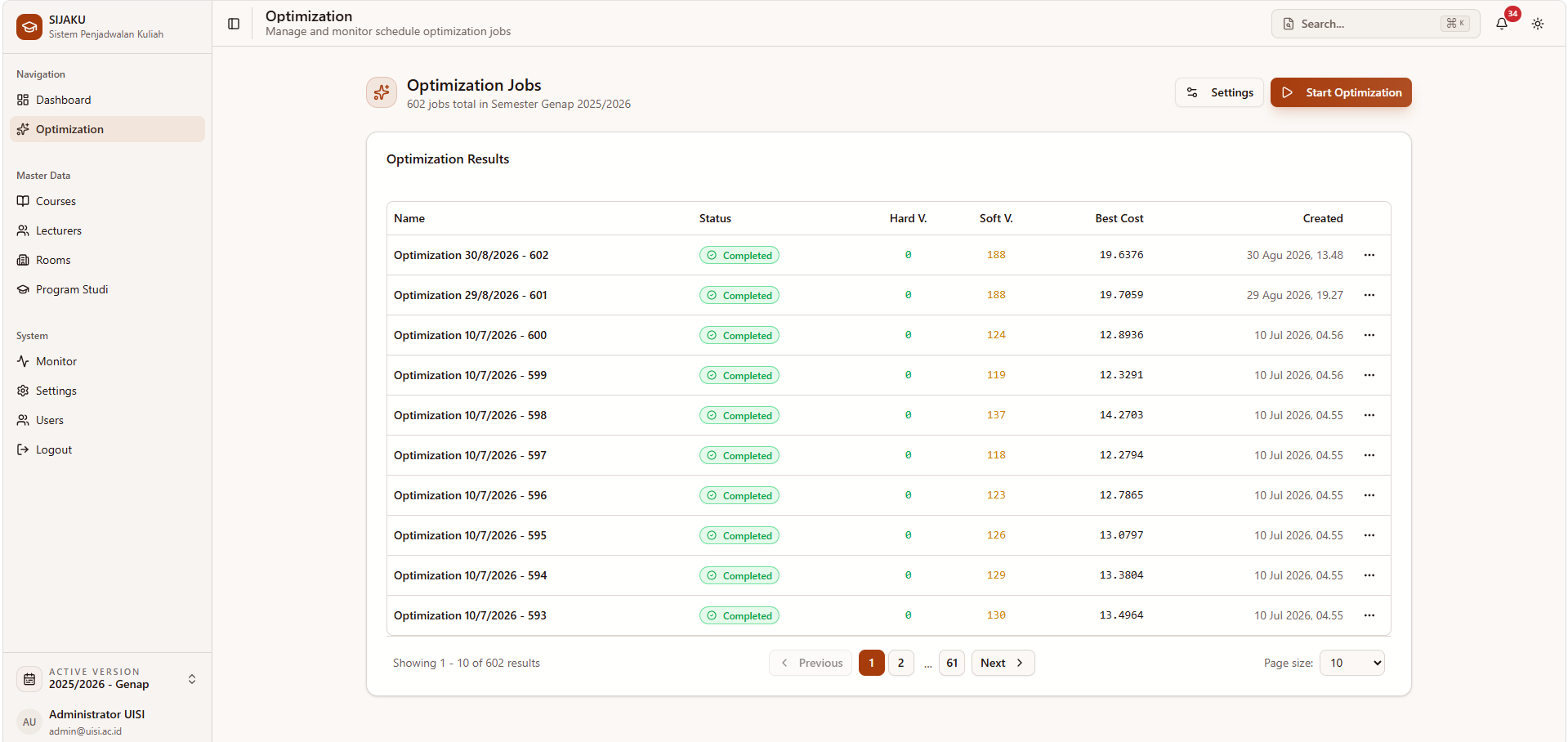
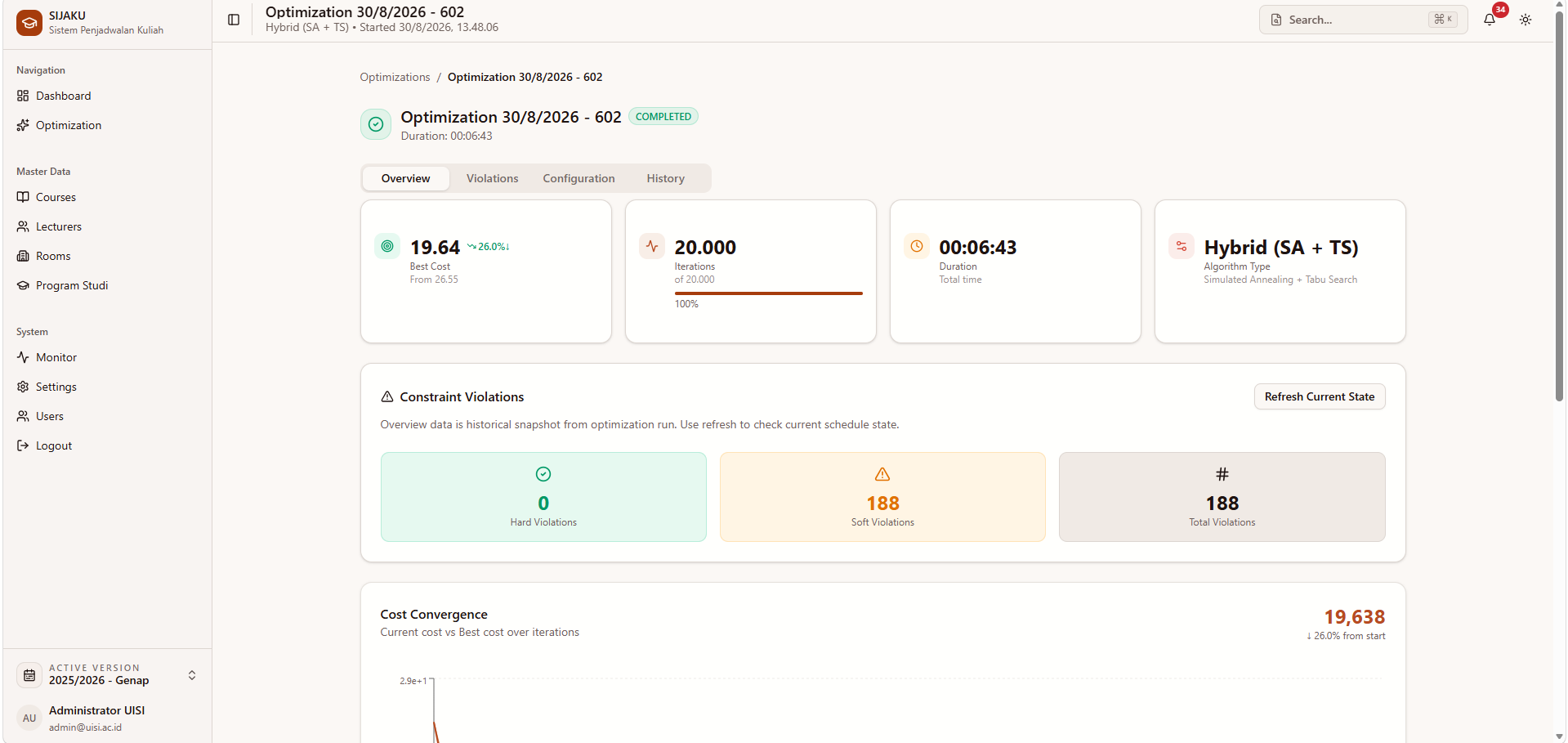
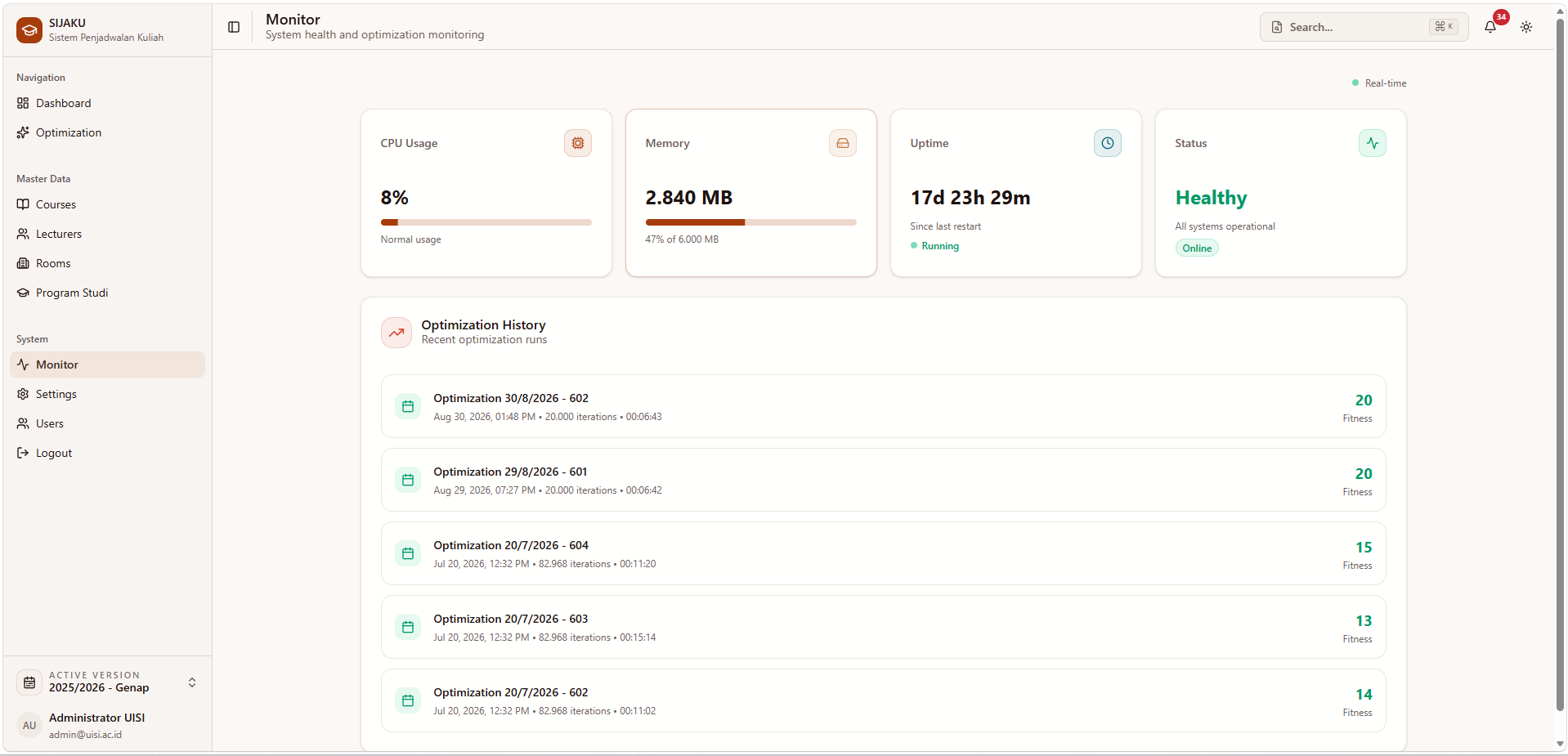
An optimization request runs as a background job rather than blocking the application. Its progress is delivered to the interface in real time. When the run finishes, administrators can review its best cost, iteration count, duration, and hard and soft constraint violations before opening the generated timetable.
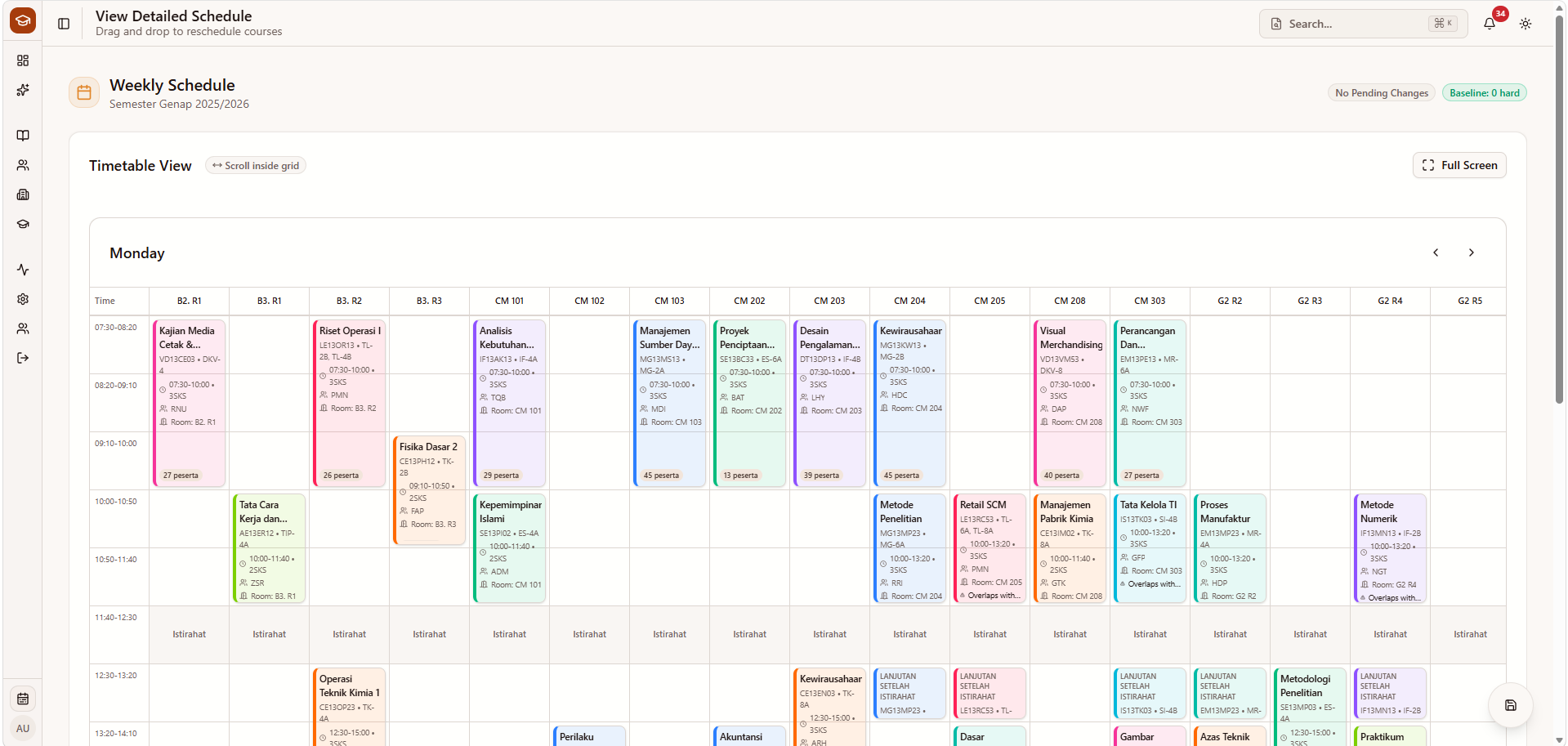
The timetable remains editable after generation. Courses can be moved through a drag-and-drop workspace, while a guarded validation flow checks the proposed changes before they are saved. Once the schedule is ready, SIJAKU can produce a printable PDF for academic use.
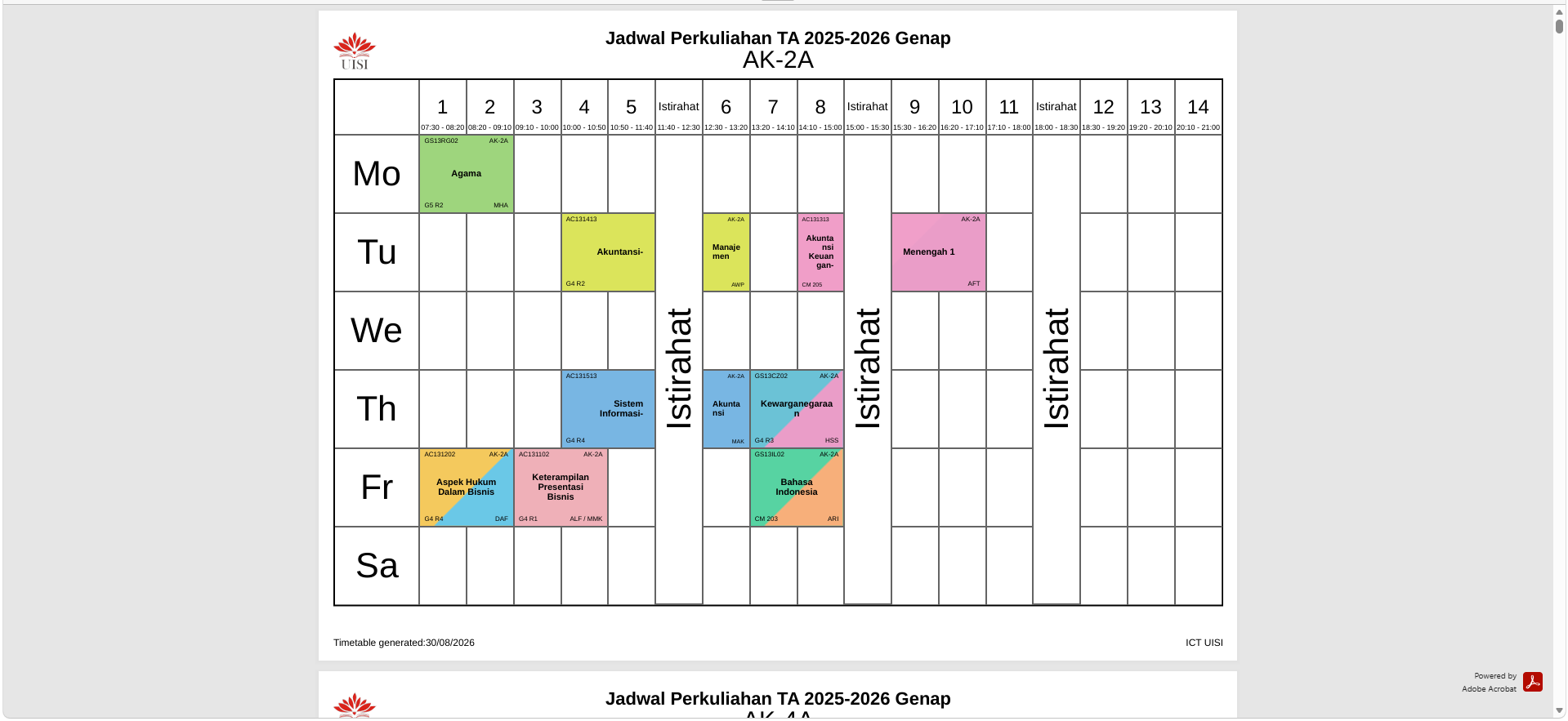
Optimization and validation
The worker uses a hybrid Simulated Annealing and Tabu Search approach to explore timetable arrangements. The application records each run so administrators can compare results and inspect optimization history instead of losing previous attempts.
Constraint handling is part of the complete workflow. SIJAKU distinguishes hard violations from soft violations, reports them on each optimization result, and revalidates manual schedule changes against the current state. This makes automatic generation and manual correction part of the same controlled process.
Operational workspace
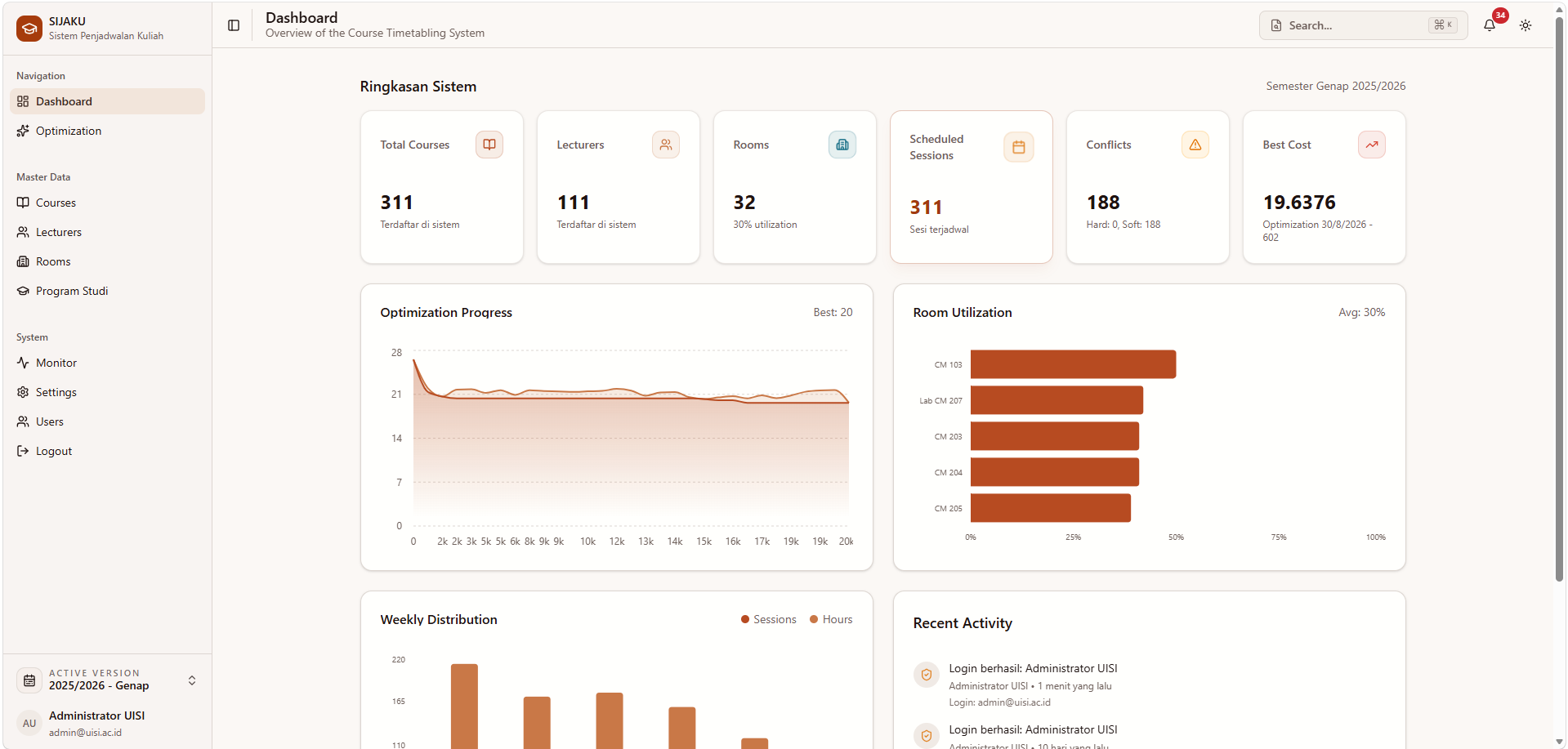
The dashboard summarizes courses, lecturers, rooms, scheduled sessions, conflicts, optimization cost, room utilization, and recent activity. Dedicated workspaces support course, lecturer, room, and study program management, including academic data import and export.
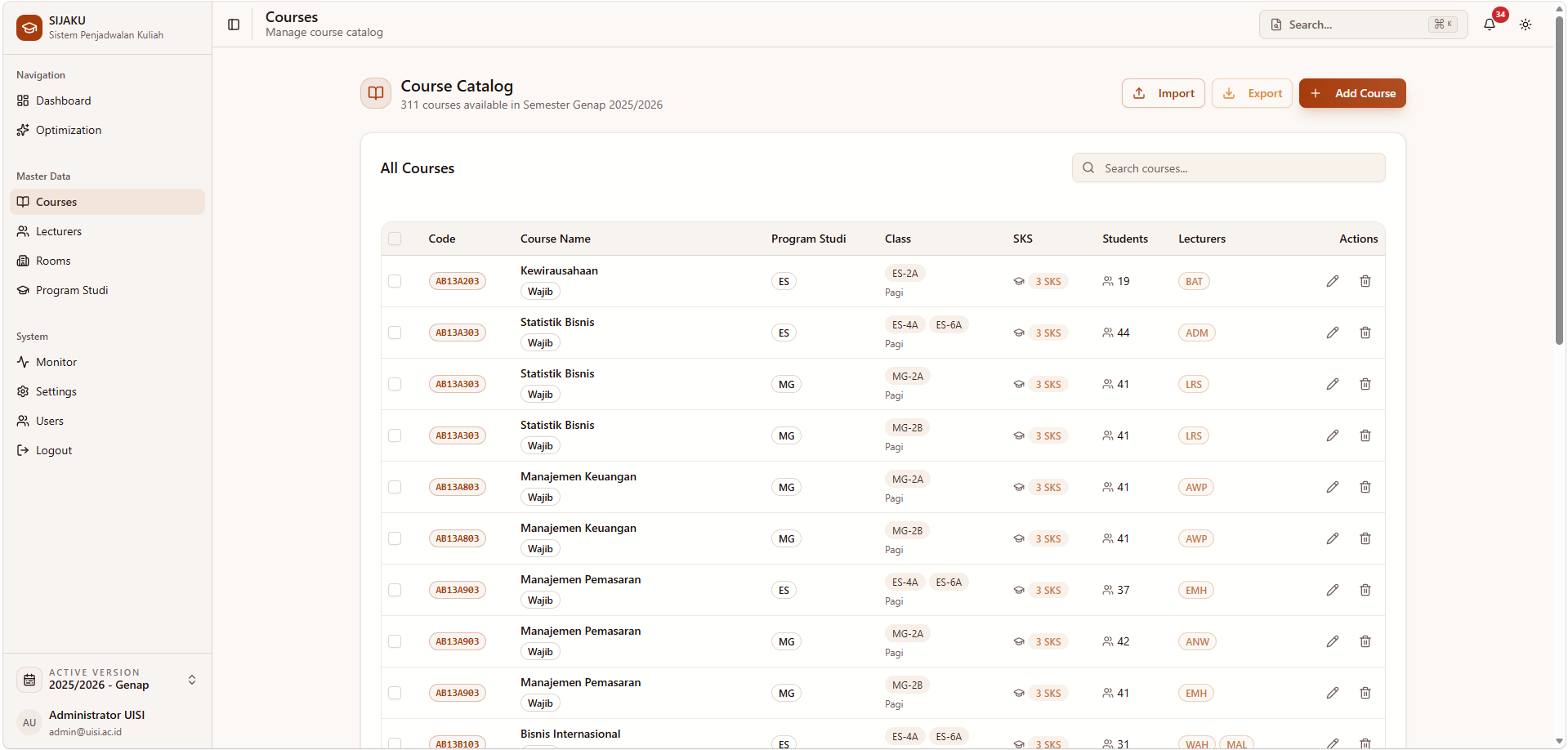
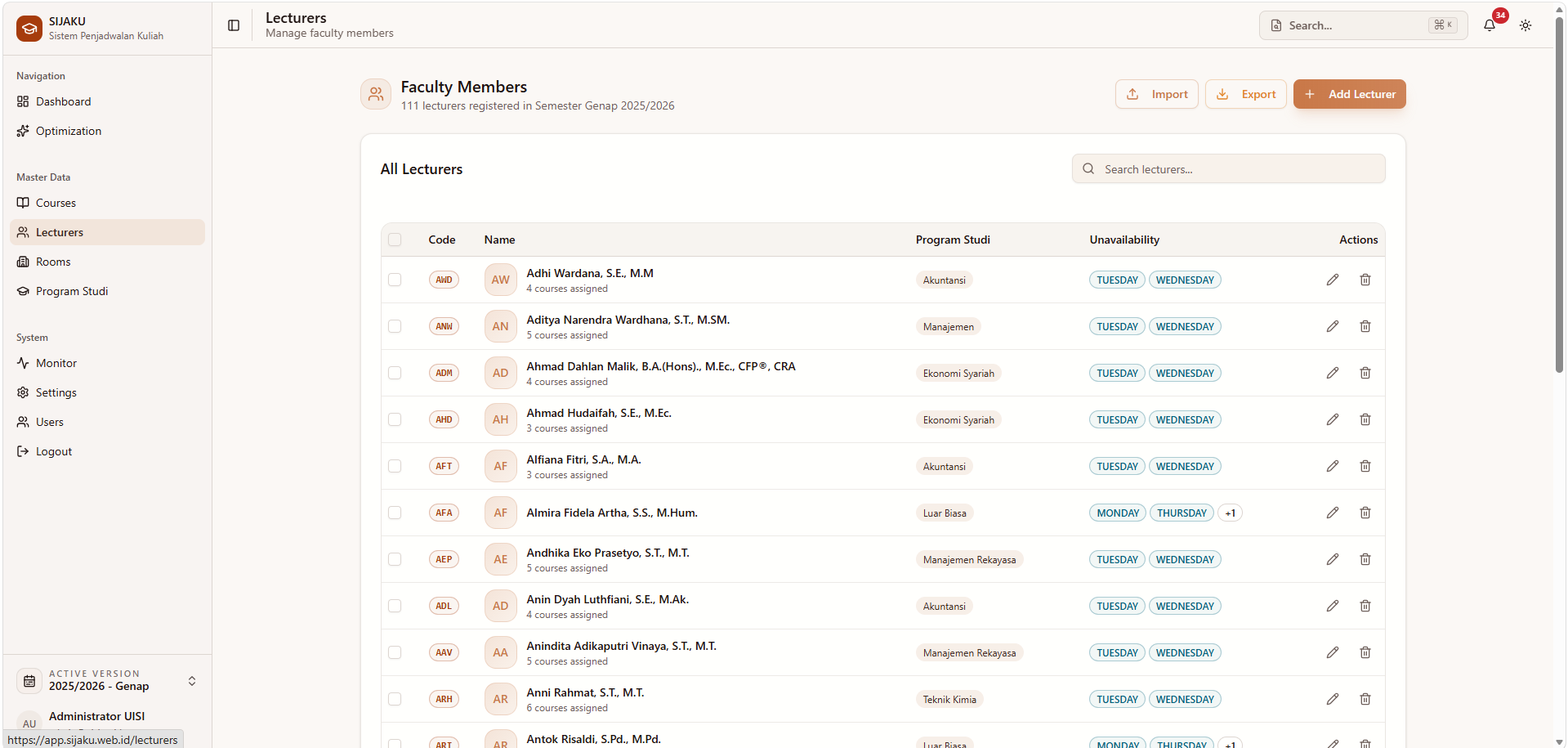
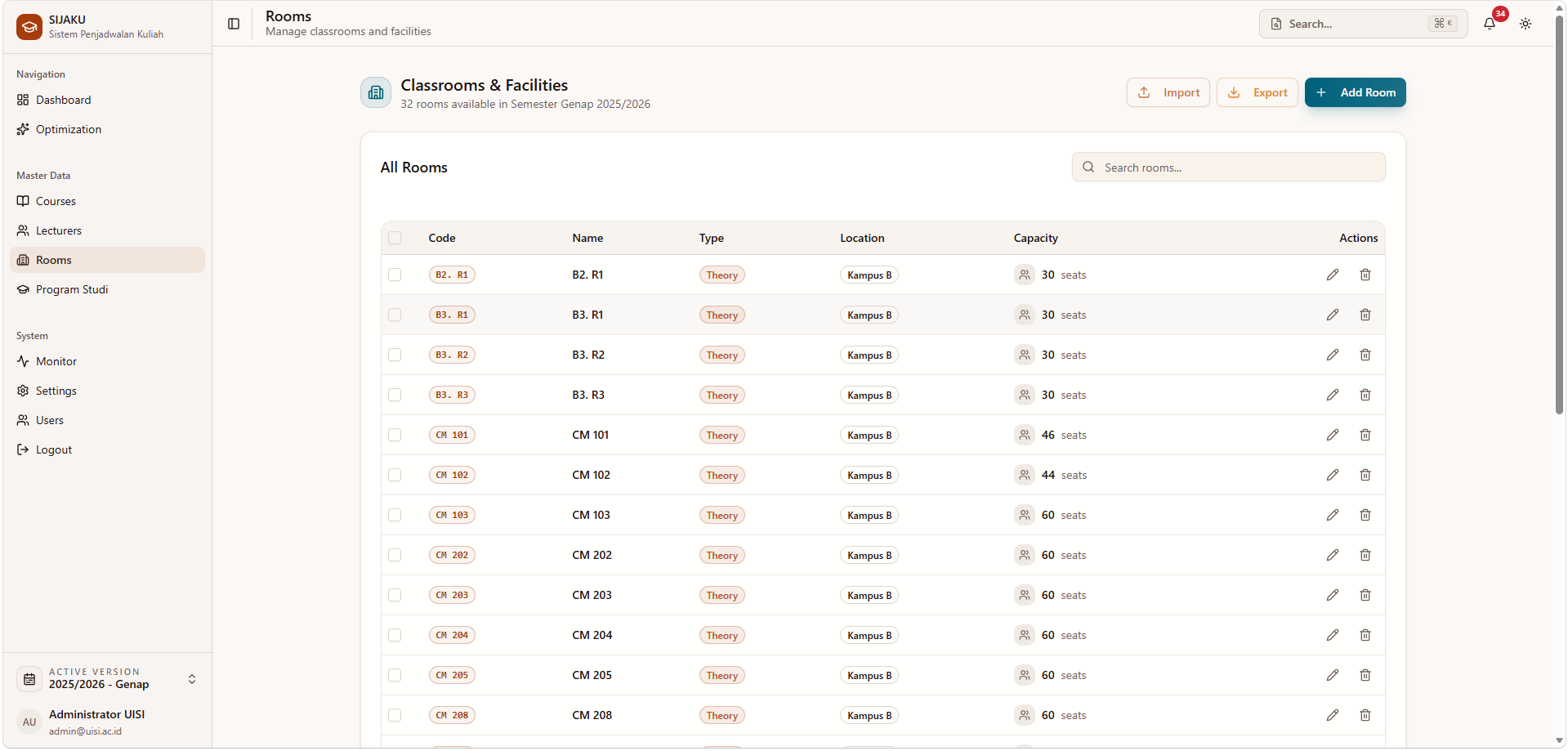
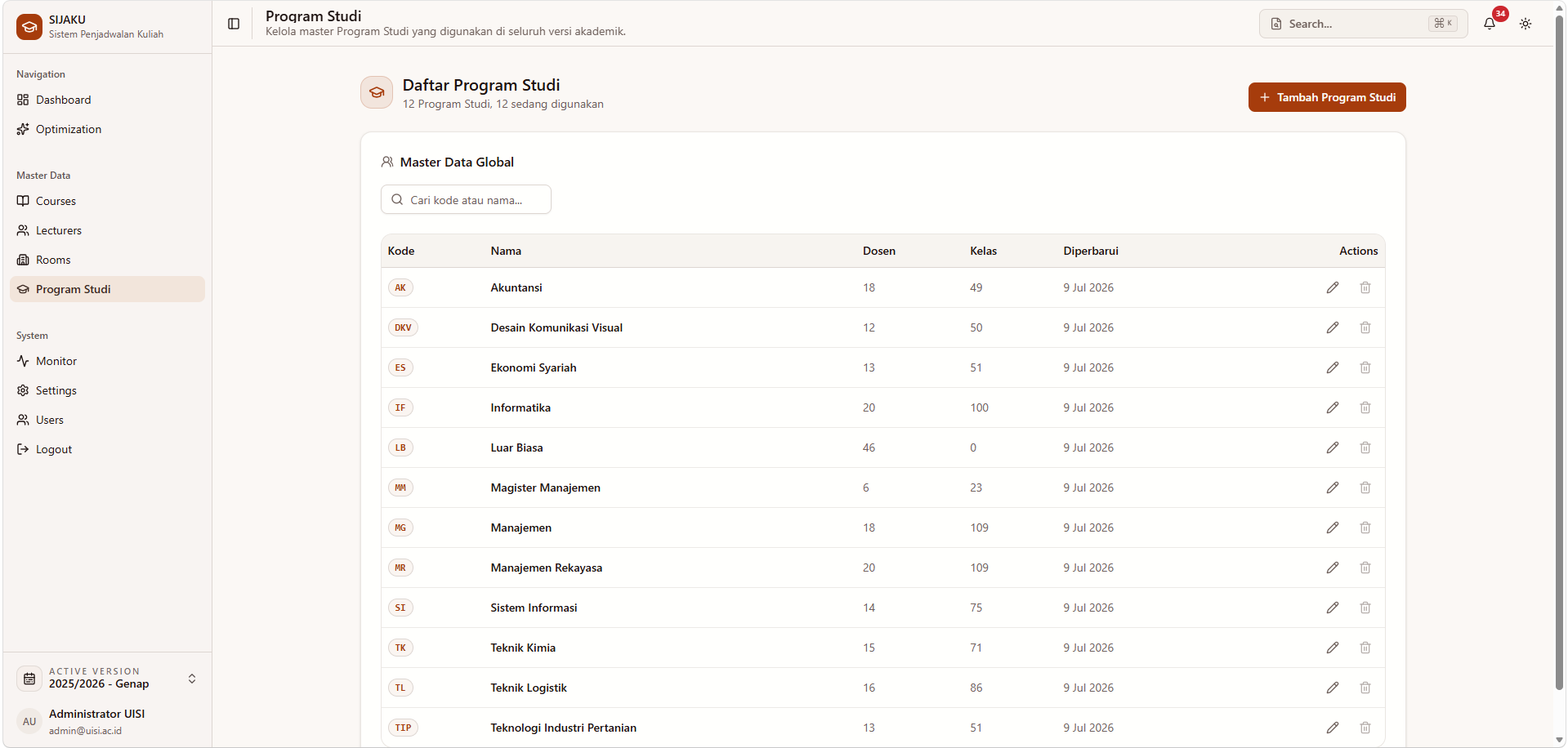
Administrators can also manage application users and operator access, configure the active academic version, select the interface theme, and monitor API and worker health. The monitoring view exposes CPU usage, memory usage, uptime, service status, and recent optimization runs.
Architecture
SIJAKU is organized as a Bun and Turborepo monorepo with separate web, API, worker, and database workspaces. The TanStack Start frontend communicates with a NestJS HTTP and WebSocket API. Prisma and MySQL store academic and scheduling data, while Redis and BullMQ coordinate background optimization work executed by a dedicated Bun worker.
The services can run together through Docker Compose, including MySQL, Redis, database migrations, the API, the worker, and the web application. Automated unit, integration, and end-to-end test suites cover the scheduling, optimization, API, and interface layers.